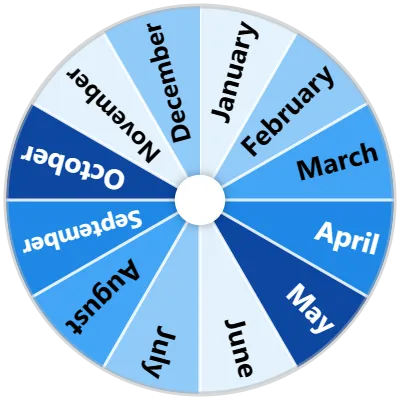
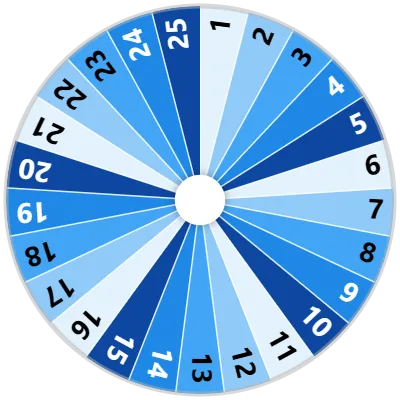
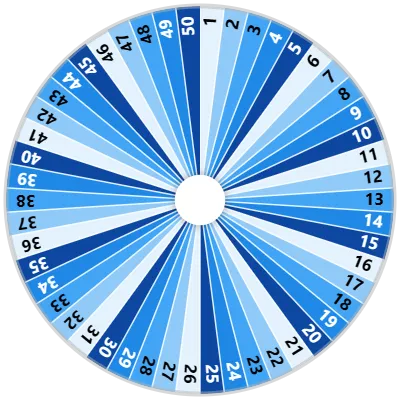
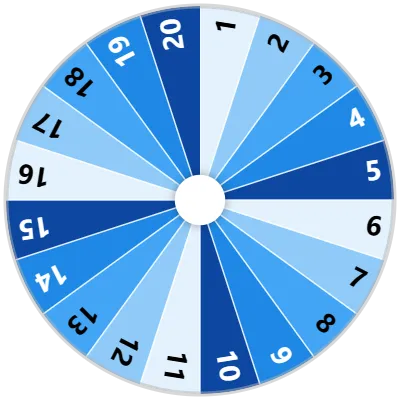
Select a date instantly using the Days of the Month (1-31) Wheel. Covering all 31 calendar numbers, this numeric picker helps randomize date selections for contests, schedules, and daily challenges.
Classroom teachers can spin the wheel to draw student numbers or select daily calendar helpers. Event planners can pick draw dates for monthly giveaways, while individuals can randomize habit-tracking days.
Covering numbers 1 through 31 offers an easy, unbiased tool for monthly scheduling and random number selection. Spin the wheel to select a day of the month.
How It Works
1
Customize
Head to the settings tab and configure your wheel to your heart's desire.
2
Spin the Wheel
Click on the wheel or press Ctrl+Enter to make it start spinning.
The Days of the Month (1-31) Wheel uses a certified cryptographic pseudo-random number generator (PRNG) to ensure that every spin lands on a completely unbiased, unpredictable result. Simply click anywhere on the wheel or press Ctrl + Enter to start spinning.
Yes! When the wheel lands on a winning result, a popup modal gives you the option to remove or hide that item so it won't be picked again during your current session.
Yes! Click the Fullscreen icon on the tool toolbar to expand the wheel to full-screen, making it ideal for classrooms, presentations, and live video streams.
Open the Settings tab in the sidebar to choose from 87 custom color palettes, adjust spin duration (from 1 to 30 seconds), toggle sound effects (37 audio themes available), add background images, or enable Mystery Mode for secret reveals.
Yes! Click on the Results tab in the sidebar to view a complete log of all past spins from your current session. You can sort results, copy them to your clipboard, or export them as a CSV or TXT file.
'/><circle cx='250' cy='250' r='200' fill='none' stroke='white' stroke-width='10' stroke-opacity='0.3'/></svg>)