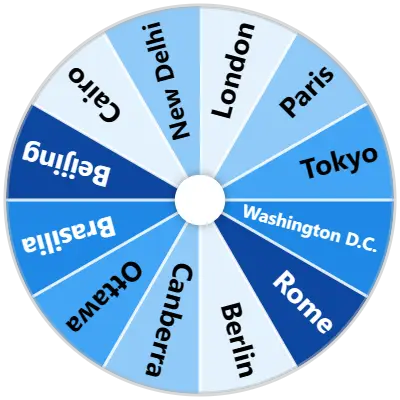
Click to spin
Outcome
Selected
(0 reviews)

Best Spinner Wheel – No Ads, Feature-Rich, 100% Free

The spinner wheel that actually does what you need. No ads, no nonsense—just 35+ customization options, private local storage, and 594+ ready-to-use templates. Built for teachers, creators, and anyone who needs to make quick decisions.

How It Works

1

Add Your Entries

Type or past your entries into the input box, or import a file.

2

Customize

Head to the settings tab and configure your wheel to your heart's desire.

3

Spin the Wheel

Click on the wheel or press Ctrl+Enter to make it start spinning.

Use Cases

Streamers

Run giveaways, pick game characters, let chat vote on punishments—keep your audience engaged and entertained

Teachers

Pick students for presentations, create classroom activities, make fair group assignments

General

Make quick decisions—what to eat, where to go, what to watch, or break ties when you can't decide

Popular Wheels

Features

594+ Ready-Made Wheels

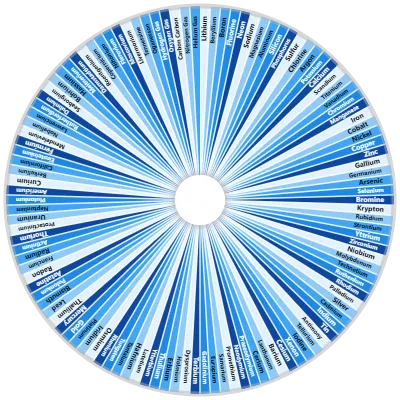
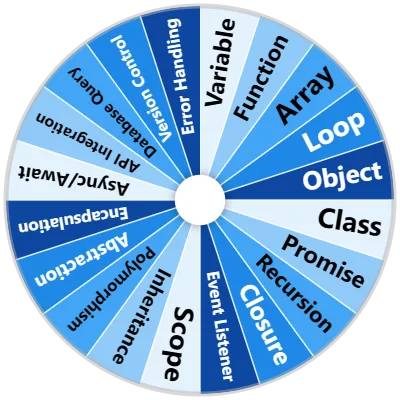
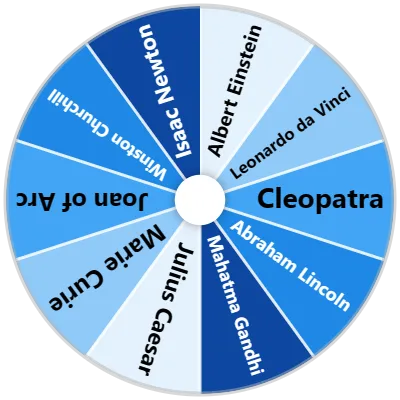
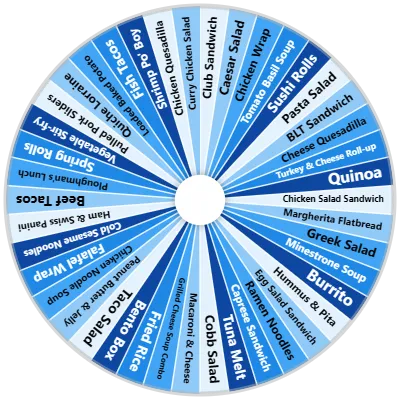
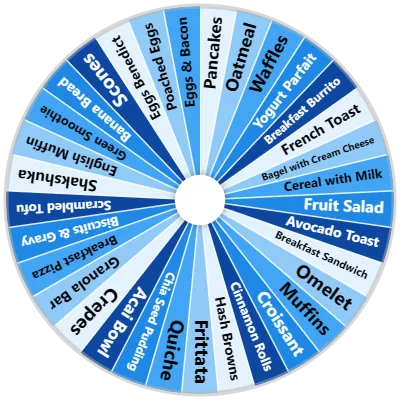
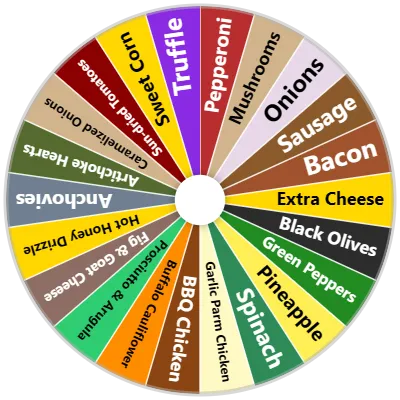
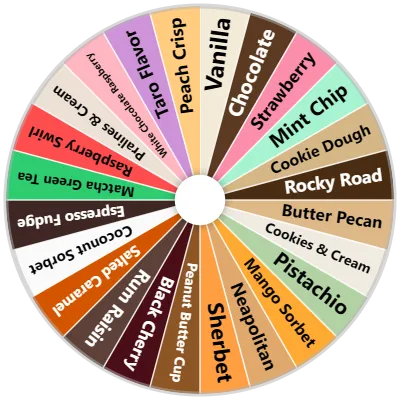
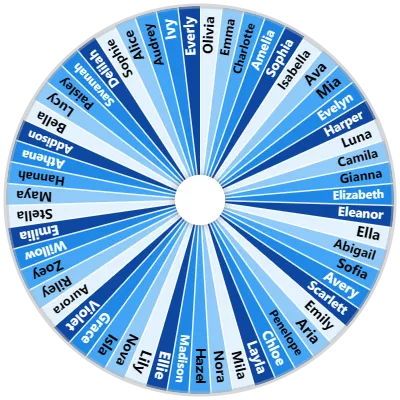
Math, education, names, foods, games—we've got over 594 templates ready to go. Pick one and spin.

87 Color Palettes

Just browse, pick one, and your wheel looks great.

37 Sound Effects

Spinning, winning—choose from 37 different sound effects to set the mood.

Multi-Wheel Management

Have multiple wheels on the same screen. Great for combining categories or solving complex problems.

Upload Images

Upload your own images to make your wheel truly unique.

Import Data

Have a list in Excel, CSV, or plain text? Import it and your wheel's ready to spin.

Results Management

See all your past results, sort them, count them, and even export or copy them.

AI Generation

Enter a prompt, click generate, and our AI will create your wheel.

Multiple Modes

Choose Text Mode for quickly typing out entries, or Advanced Mode for more customization.

Wheel Background Image

Upload an image for your wheel instead of having one color for each section.

See All Features

Frequently Asked Questions

You can select from any of our 87 beautiful color presets in the Settings tab, or customize each slice individually with custom colors, gradients, and images by clicking the gear icon next to your list items.

Yes! There are no hidden fees, paywalls, or accounts needed. You have full access to all features, including XLS/CSV importing, 37 sound effects, and custom palettes, 100% free.

No. All the custom wheels you create are automatically saved in your browser's private local database (IndexedDB/localStorage) so they remain saved and accessible the next time you visit.

Yes! Simply head to our Embed tool page to configure your widget options, copy the generated iframe snippet, and paste it directly into your website's HTML editor.

AI Wheel Generator

Describe the items you want, and our AI will generate a custom list for your wheel.